How to find every photo you took at one place, on Windows
You know you've been to that square before, maybe three times, over four years, and each visit is in a different folder. Finding all of those photos means remembering when you went. Your photos already know where they were taken; the trick is getting Windows to use that.
With File Explorer
Windows search can't search by position. What you can do:
- If you remember roughly when, open each folder from that time and sort by Date taken.
- Search for anything that might be in the file name or folder name, such as the town, if you named folders that way.
- For a photo you're unsure of, Properties → Details → GPS shows its latitude and longitude, which you can type into a map. Our guide on seeing where a photo was taken explains how.
It works when you remember the dates. When you don't, it's a lot of folders to open.
On one map, with Location Sorter
Location Sorter remembers every folder of photos you've sorted with it as a library. Two things make finding a place across all of them quick.
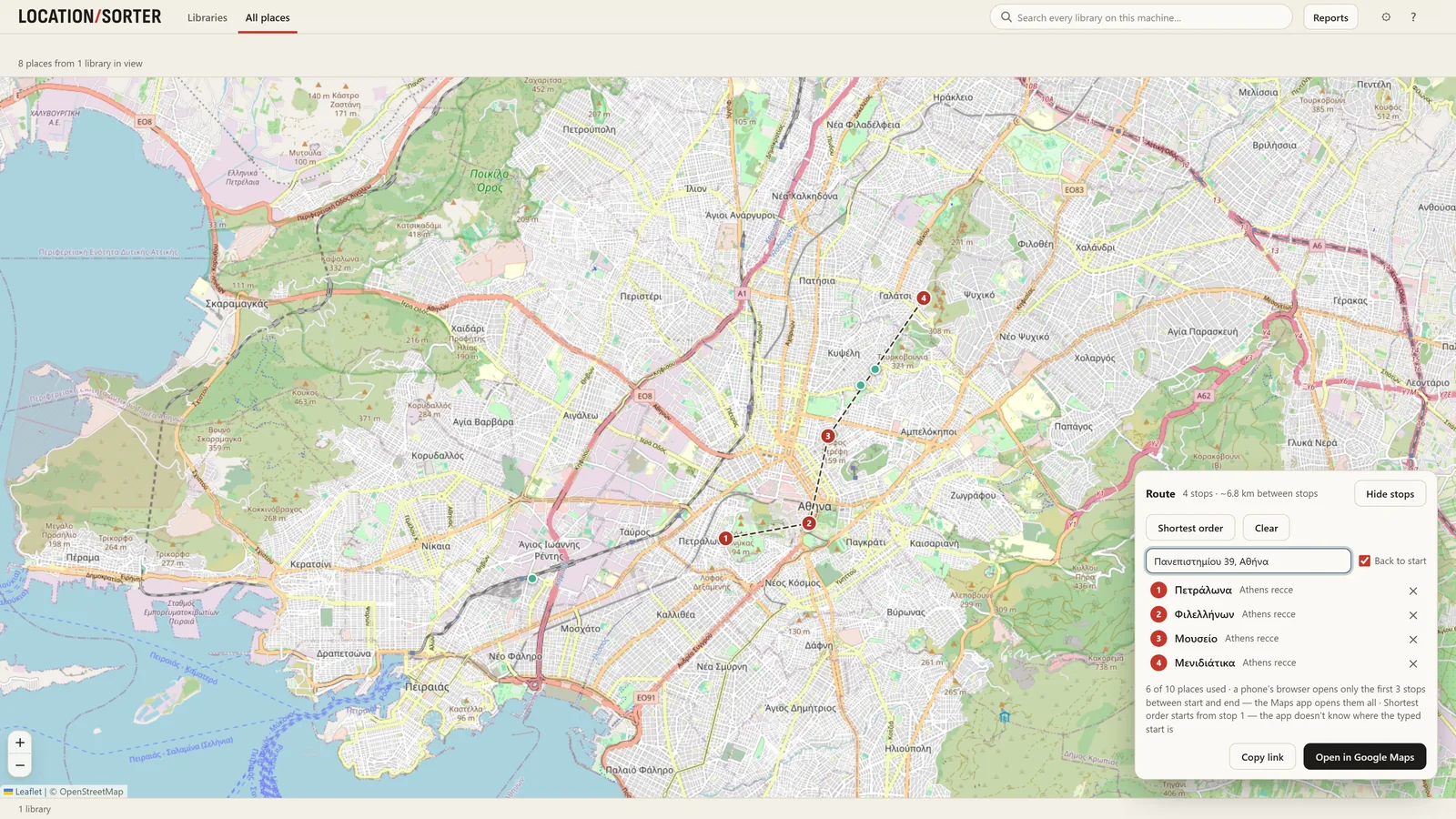
The All places map. One map shows every place from every library on this PC, coloured by library. Pan to the square and you see what you already have there, from every trip or job. Type in the search box and the map shows only the places that match.
Search across every library. The search box at the top looks through file names, dates, place names, your notes, and what's actually in the pictures. Type the square's name, or fountain, and every match from every library comes back together, grouped by library. Place names are found however you type them, with or without accents.
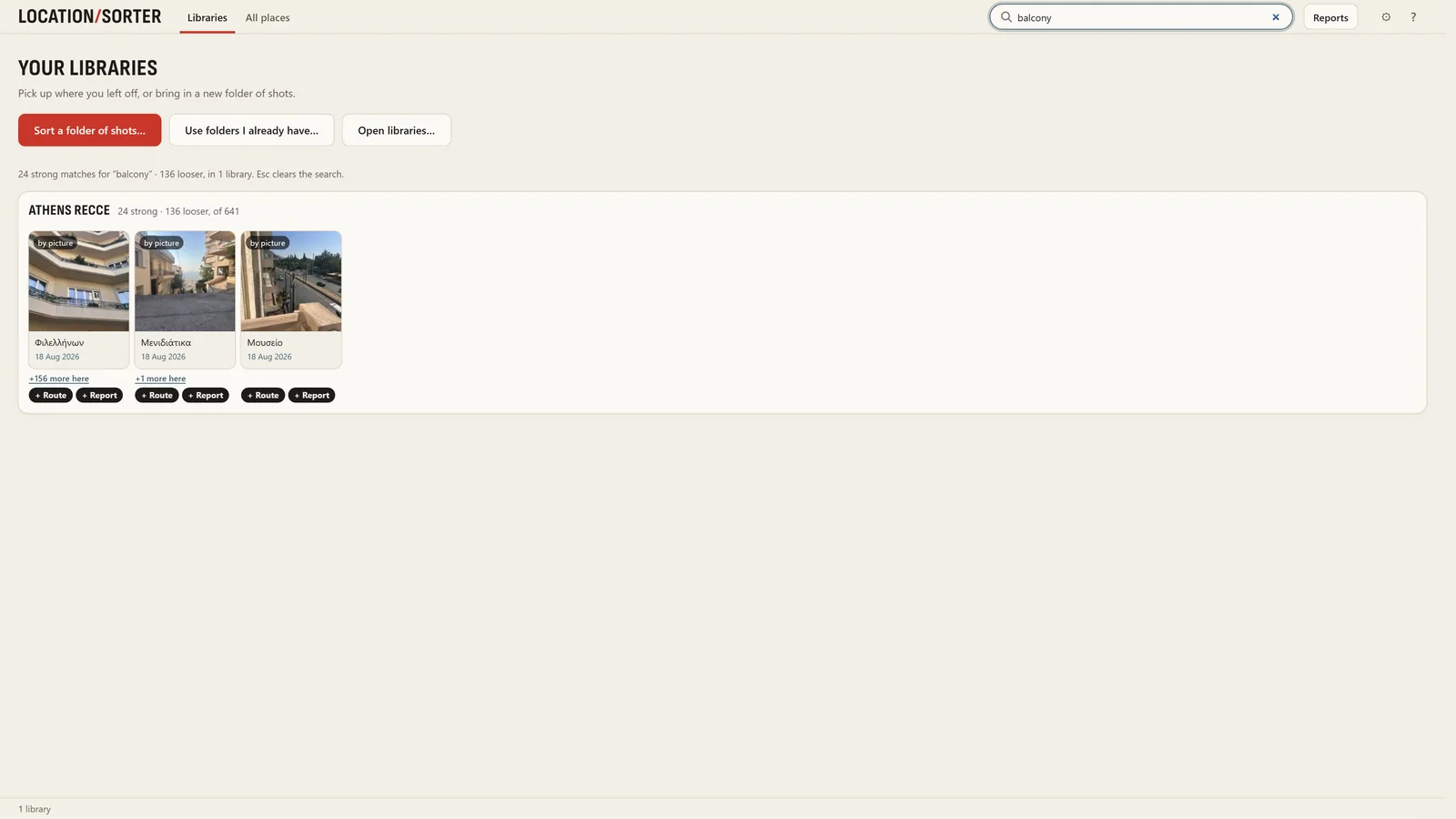
Search by picture runs on your PC with a model that ships with the app; no photo is sent anywhere to be analysed.
Making it work for old photos
Location Sorter can only find what it has seen, so the first step is to bring your old folders in:
- Folders already sorted by hand (one folder per trip or place): Use folders I already have… takes them as they are, without moving anything.
- Unsorted folders: Sort a folder of shots… groups them into places and, once you apply, files them into a folder per place.
- A drive or a whole Pictures folder of earlier libraries: Open libraries… finds every library inside it.
Location Sorter is free to try for 7 days from the Microsoft Store, then €24.99, once.